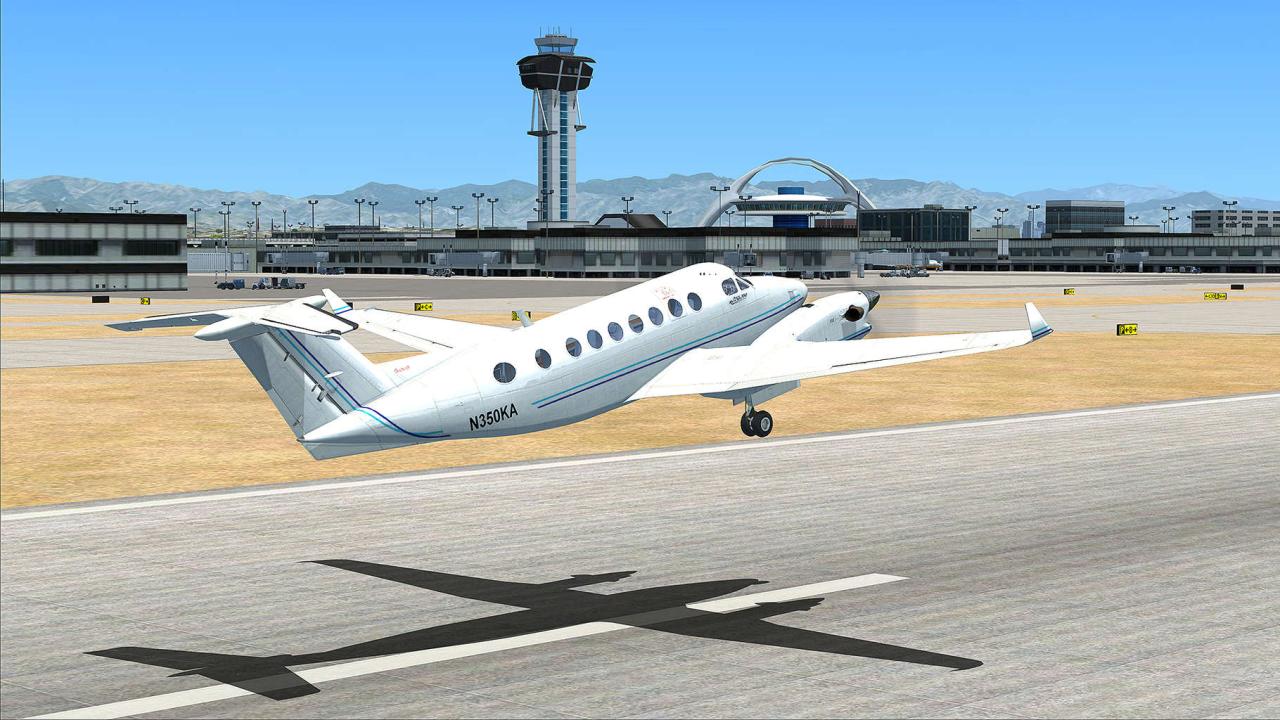
- Ailerons: Control the aircraft’s roll, allowing you to bank left or right.
- Elevator: Controls the aircraft’s pitch, allowing you to climb or descend.
- Rudder: Controls the aircraft’s yaw, allowing you to steer left or right, especially during takeoff and landing.
- Throttle: Controls the aircraft’s engine power, affecting speed and altitude.
- Flaps: Extendable surfaces on the wings that increase lift and drag, aiding in takeoff and landing.
Tips and Tricks for Improving Flight Simulation Skills
- Practice Regularly: Consistent practice is key to improving your skills and mastering the controls. Start with basic maneuvers and gradually progress to more complex flight operations.
- Use Training Missions: Most flight simulators offer training missions that guide you through specific flight procedures and techniques, helping you build a strong foundation.
- Study Real-World Flight Procedures: Research real-world flight procedures and understand the logic behind them. This will enhance your understanding of aircraft systems and operations.
- Join Online Communities: Connect with other flight simulation enthusiasts online to share tips, tricks, and learn from experienced pilots.
- Use Visual Aids: Utilize in-game visual aids, like the artificial horizon, compass, and altitude indicator, to maintain situational awareness and control.
- Adjust Difficulty Settings: Start with easier difficulty settings and gradually increase them as you gain confidence and skills. This will challenge you and help you improve.
- Experiment with Different Aircraft: Explore various aircraft types to experience different flight characteristics and learn their unique handling qualities.
Common Flight Simulation Mistakes and How to Avoid Them
- Over-Controlling: Excessive input can lead to instability and loss of control. Focus on smooth and gradual adjustments to maintain stability.
- Ignoring Instruments: Relying solely on visual cues can lead to errors. Pay attention to instruments to maintain situational awareness and make informed decisions.
- Not Managing Fuel: Fuel management is crucial, especially on long flights. Monitor fuel levels and plan refueling stops accordingly.
- Ignoring Weather Conditions: Weather can significantly impact flight operations. Consider wind, turbulence, and precipitation when planning and executing flights.
- Not Using Autopilot: Autopilot can assist with navigation, altitude control, and other tasks, freeing up your attention for other aspects of flight. Learn how to use it effectively.
Final Thoughts

As you embark on your flight simulation journey, remember that mastering the art of virtual flying takes time, practice, and a genuine passion for aviation. By understanding the intricacies of aircraft control, navigation, and weather patterns, you’ll unlock a world of immersive experiences that will challenge and reward you in equal measure.
So, buckle up, adjust your seatbelt, and prepare for an unforgettable flight simulation adventure!