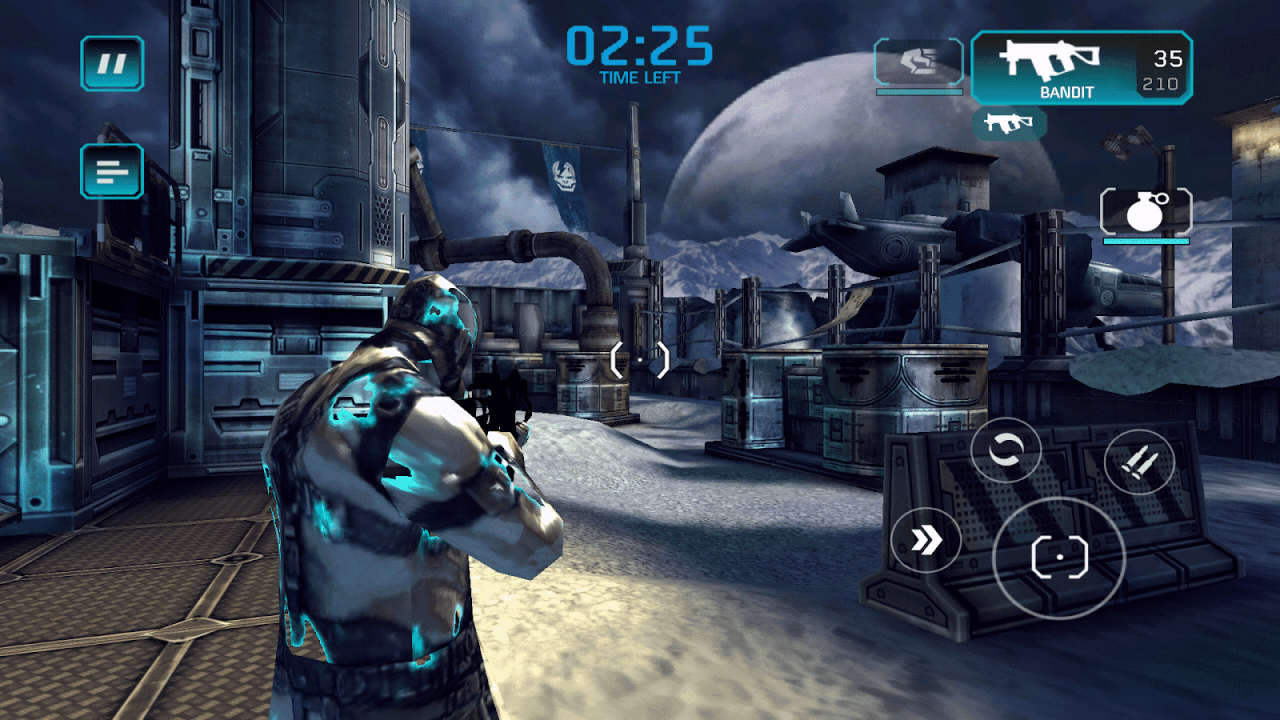
- Touch Input:Unity provides methods for detecting touch events, such as touch start, touch move, and touch end, enabling players to interact with game objects.
- Touch Events:Developers can use event handlers to respond to touch events, triggering actions based on touch gestures, such as taps, swipes, and drags.
- Device Orientation:Unity allows games to respond to device orientation changes, enabling features like accelerometer-based controls and perspective shifts.
UI Elements and Layouts in Unity for Android Games
Creating user interfaces (UI) is crucial for providing information, controls, and interactions in Android games. Unity offers a range of UI elements and layout options for this purpose.
- UI Canvas:The UI Canvas acts as a container for UI elements, allowing developers to organize and position them within the game scene.
- UI Elements:Unity provides a variety of UI elements, such as buttons, text, images, sliders, and input fields, for creating interactive interfaces.
- Layouts:Unity offers different layout options, such as vertical layout, horizontal layout, and grid layout, for arranging UI elements effectively.
- Anchors and Pivot Points:Anchors and pivot points control how UI elements scale and position themselves relative to the screen, ensuring responsive layouts across different screen sizes.
Designing a Simple Android Game Using Unity
Let’s design a simple Android game using Unity to illustrate basic game mechanics.